How to Automate GST, TDS and ITR Work in a CA Firm: A Complete Workflow Guide
Imagine managing 200 GST clients, 150 TDS assignments and hundreds of individual and business income tax return engagements.
Every month, your team needs to collect information, prepare working papers, reconcile transactions, review calculations, obtain approvals and complete filings.
Now imagine coordinating all of this through Excel sheets, WhatsApp groups, phone calls and manual reminders.
One employee forgets to follow up with a client. Another misses an internal deadline. A manager discovers that an assignment is still pending just before the filing deadline.
The result is unnecessary pressure, repeated communication and reduced visibility across the firm.
This is one of the biggest operational challenges for growing Chartered Accountant practices in India.
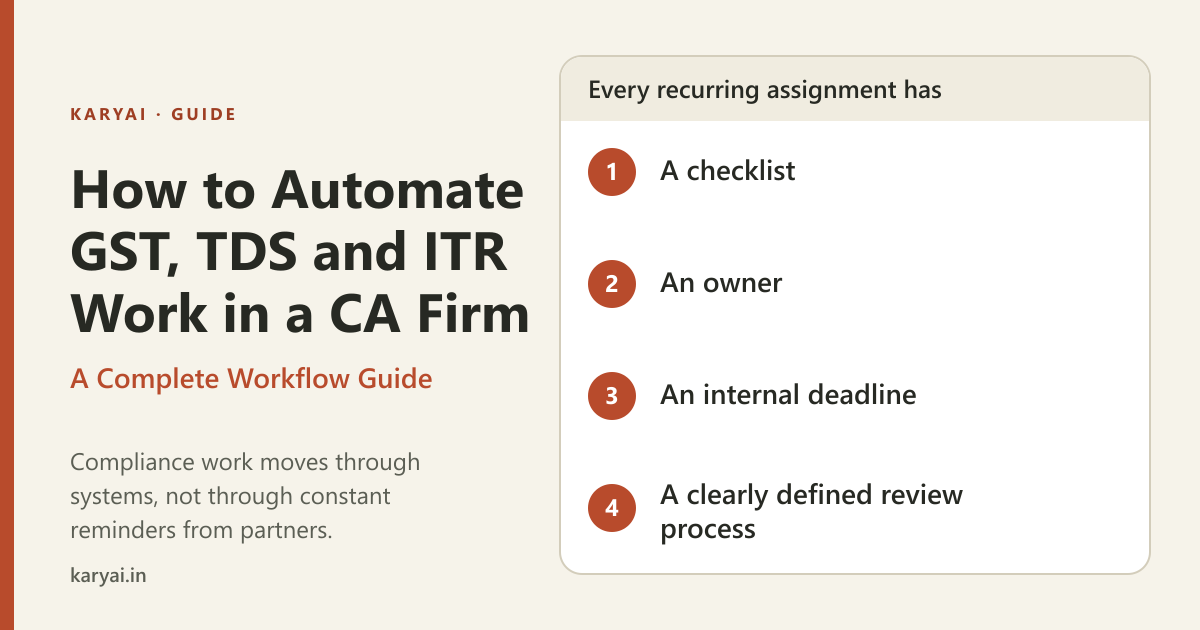
The solution is to build a structured compliance workflow where every recurring assignment has a checklist, an owner, an internal deadline and a clearly defined review process.
In this guide, we will explain how CA firms can organise and automate GST, TDS and ITR work, reduce repetitive administrative activities and build a more predictable compliance management system.
1. Why CA firms need compliance workflow automation
Compliance work is repetitive, deadline-driven and dependent on accurate information.
However, many firms still rely on employees remembering what needs to be done.
This creates five common problems.
1.1 Recurring work is recreated every month
A firm handling 150 monthly GST assignments may have to organise similar activities repeatedly.
Employees need to identify clients, create tasks, allocate responsibilities and remember deadlines.
Much of this administrative work can be standardised.
1.2 Employees spend too much time on follow-ups
Managers repeatedly ask:
Has the client shared the documents?
Is the reconciliation complete?
Has the return been prepared?
Is the working ready for review?
Has the assignment been filed?
These questions are important, but manually asking them throughout the day is inefficient.
1.3 Compliance deadlines are not centrally visible
When assignments are tracked through different spreadsheets and conversations, managers may not have a reliable overview of upcoming deadlines.
This makes it difficult to prioritise work.
1.4 Work ownership is unclear
An assignment may involve multiple people, but nobody knows who is ultimately responsible for moving it forward.
This can result in delays and duplicated effort.
1.5 Partners become the centre of every operational decision
When there is no structured process, employees depend on partners and managers for updates, approvals and reminders.
As the firm grows, this becomes increasingly difficult to manage.
The objective of workflow automation is to make routine coordination more systematic while keeping professional judgement and compliance decisions with qualified people.
2. Understand the difference between compliance automation and workflow automation
Before implementing a system, it is important to understand two different concepts.
Compliance automation generally refers to technology that assists with activities such as tax calculations, reconciliations, document processing, return preparation or filing.
Workflow automation refers to organising the work required to complete those activities.
For example, a GST workflow might involve:
Identifying clients due for the relevant service.
Creating assignments.
Assigning employees.
Requesting documents.
Tracking missing information.
Preparing working papers.
Sending work for review.
Recording filing completion.
A task management platform can automate much of the coordination around these activities without replacing the tax software or the CA's professional responsibility.
For many CA firms, improving workflow management is an important first step because operational coordination affects almost every service.
3. How to automate GST work in a CA firm
GST assignments are a good starting point because many firms perform recurring GST work for multiple clients.
The exact process depends on the client's registration, filing frequency, transaction profile and applicable requirements.
However, a standard internal workflow can be organised into the following stages.
Step 1: Identify clients and applicable filing requirements
Create a client master containing:
Client name.
GSTIN.
Registered state.
Applicable filing frequency.
Assigned employee.
Responsible reviewer.
Internal document collection deadline.
Relevant return periods.
This creates a central reference for recurring assignments.
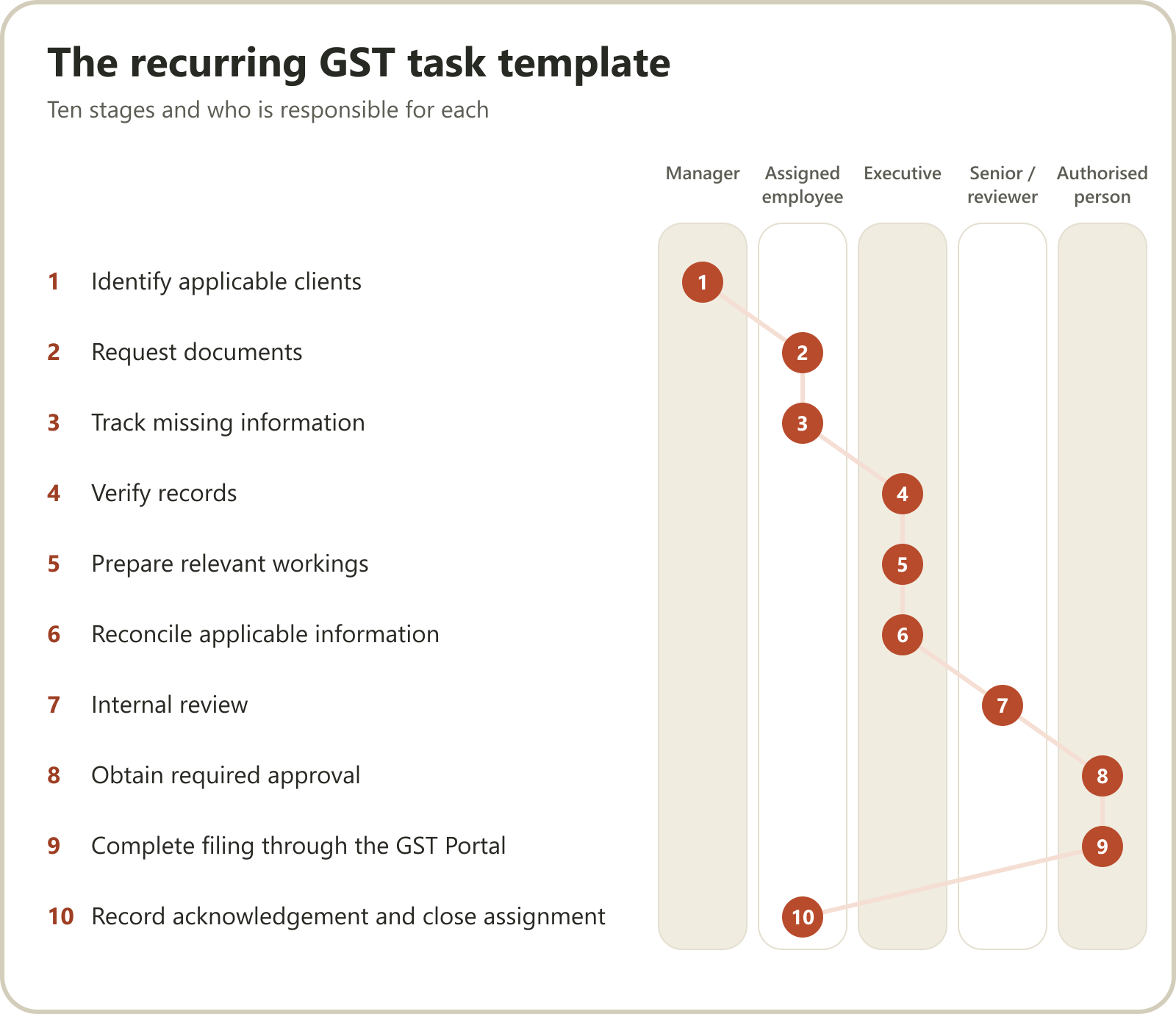
Step 2: Create a recurring GST task template
Instead of creating every monthly assignment manually, establish a standard workflow.
Example:
| Stage | Activity | Responsible person |
|---|---|---|
| 1 | Identify applicable clients | Manager |
| 2 | Request documents | Assigned employee |
| 3 | Track missing information | Assigned employee |
| 4 | Verify records | Executive |
| 5 | Prepare relevant workings | Executive |
| 6 | Reconcile applicable information | Executive |
| 7 | Internal review | Senior / reviewer |
| 8 | Obtain required approval | Authorised person |
| 9 | Complete filing through the GST Portal | Authorised person |
| 10 | Record acknowledgement and close assignment | Assigned employee |
The firm can configure these steps according to its actual service scope.
Step 3: Automate assignment creation
Suppose a CA firm provides monthly GST services to 100 clients.
Instead of creating 100 assignments manually every month, the firm can use recurring project templates.
Each client gets an assignment containing:
Required activities.
Responsible employees.
Internal deadlines.
Review stages.
Completion status.
This reduces repetitive task creation and gives employees a predictable workflow.
Step 4: Automate internal reminders
Set up reminders for:
Upcoming document collection deadlines.
Tasks without progress updates.
Assignments awaiting review.
Tasks approaching their internal deadlines.
Overdue work.
This helps managers identify problems earlier.
Step 5: Maintain a filing and acknowledgement record
Once the authorised person completes filing, the assignment should record:
Return period.
Filing date.
Filing status.
Acknowledgement or reference details, where applicable.
Responsible person.
A completed preparation task should not automatically mean that the return has been filed.
Example: GST workflow status dashboard
| Client | Assignment | Status | Owner |
|---|---|---|---|
| ABC Pvt Ltd | GST return | Ready for review | Employee A |
| XYZ Traders | GST return | Documents pending | Employee B |
| PQR LLP | GST return | In progress | Employee C |
| Mehta Enterprises | GST return | Filed | Employee A |
This gives partners a practical overview without requiring individual employee updates.
4. How to automate TDS work in a CA firm
TDS assignments involve another recurring cycle.
The firm needs to coordinate information about deductions, payment records, challans, reconciliation and quarterly statements.
A standard TDS workflow can help organise these activities.
Step 1: Create a TDS client master
Maintain relevant information such as:
Client name.
TAN.
Applicable deduction categories.
Responsible employee.
Review responsibility.
Relevant quarterly assignments.
Internal deadlines.
Step 2: Standardise the monthly TDS workflow
A practical monthly process can include:
Collect payment and deduction information.
Verify relevant records.
Review applicable deduction rates and provisions.
Reconcile deduction details.
Organise challan payment information.
Record exceptions and missing information.
Complete internal review.
The specific process should be tailored to the client's transactions and applicable tax provisions.
Step 3: Create a quarterly TDS return workflow
Quarterly statement preparation should have a separate structured checklist.
For example:
| Activity | Responsibility |
|---|---|
| Collect quarterly deduction data | Employee |
| Verify deductee information | Executive |
| Reconcile challan details | Executive |
| Identify discrepancies | Executive |
| Prepare quarterly statement | Assigned preparer |
| Review statement | Senior |
| Complete authorised filing | Authorised person |
| Record acknowledgement | Assigned employee |
The firm should also maintain a separate calendar for applicable challan payment and statement-filing deadlines.
Step 4: Track unresolved discrepancies
Not every TDS assignment progresses smoothly.
Some may have missing PAN details, incorrect challan information or reconciliation differences.
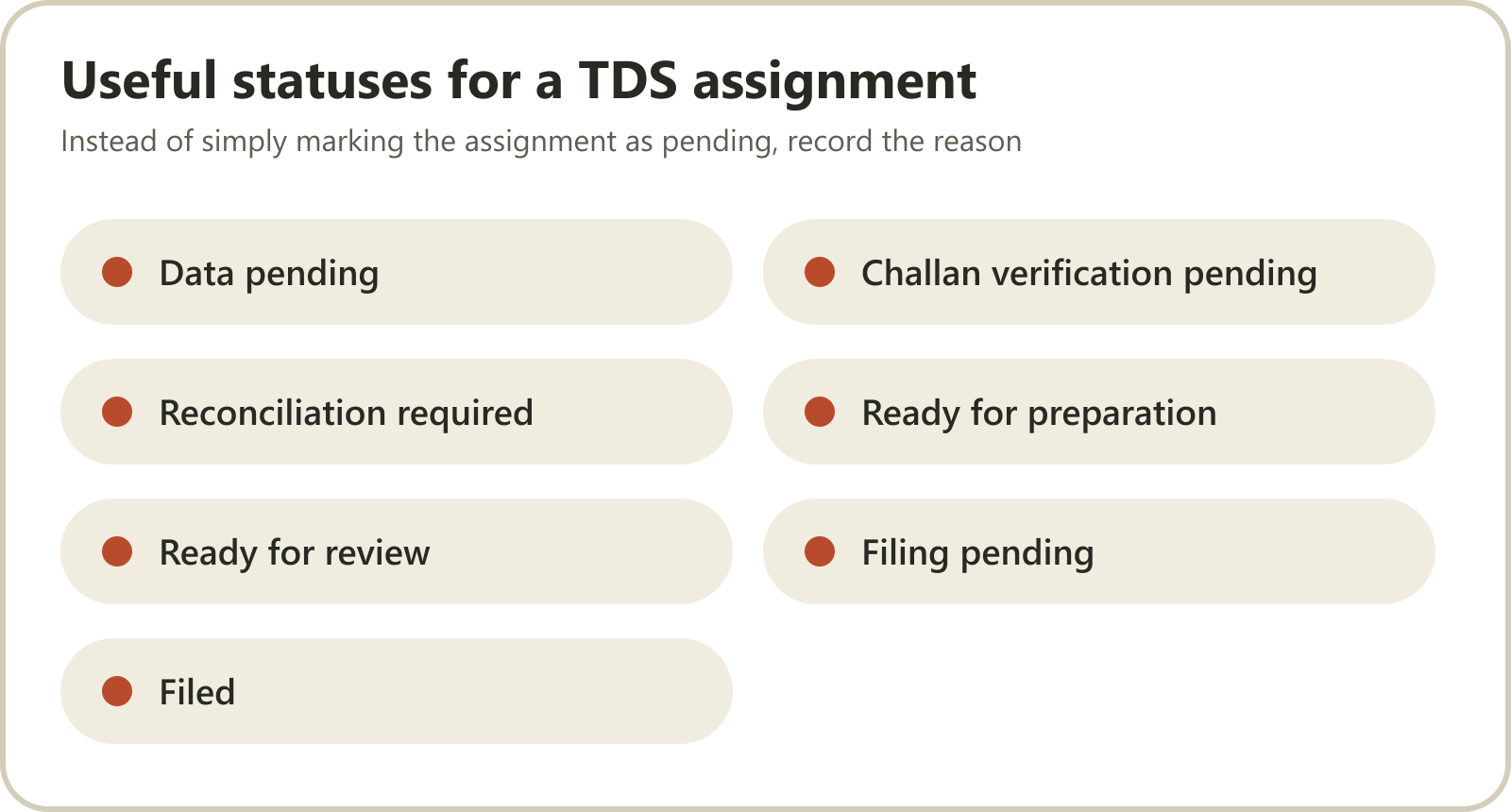
Instead of simply marking the assignment as pending, record the reason.
Useful statuses include:
Data pending.
Challan verification pending.
Reconciliation required.
Ready for preparation.
Ready for review.
Filing pending.
Filed.
This helps managers identify exactly where an assignment is stuck.
5. How to automate ITR work in a CA firm
Income tax return assignments can be particularly difficult to manage because clients have different income sources, documentation requirements and filing complexities.
A standard workflow should be flexible enough to accommodate individual clients, business taxpayers and other engagement types.
Step 1: Segment clients
Do not treat every ITR assignment as identical.
Create appropriate categories, such as:
Salaried individuals.
Individuals with capital gains.
Business and professional taxpayers.
Partnership firms.
Companies.
Other applicable taxpayer categories.
The documentation and preparation process will differ.
Step 2: Create service-specific document checklists
For example, an individual ITR assignment might require:
PAN information.
Form 16, where applicable.
Bank statements.
AIS and Form 26AS.
Investment and deduction information, where applicable.
Capital gains statements, where applicable.
Details of other income.
Previous return information, where relevant.
Business assignments may require financial statements, books of accounts and additional supporting records.
Step 3: Create an ITR workflow template
| Stage | Activity |
|---|---|
| 1 | Create client assignment |
| 2 | Send document checklist |
| 3 | Track documents received |
| 4 | Identify missing information |
| 5 | Verify relevant tax information |
| 6 | Prepare return |
| 7 | Internal technical review |
| 8 | Obtain client confirmation where required |
| 9 | Complete authorised filing |
| 10 | Record acknowledgement and verification status |
Step 4: Track return verification separately
Preparing and submitting a return is not necessarily the end of the process.
Where verification is required, track that as a separate activity.
This prevents an assignment from being considered fully closed when a required post-submission step remains incomplete.
Step 5: Create a seasonal workload dashboard
During peak ITR periods, managers should be able to see:
Total active ITR assignments.
Documents pending.
Returns under preparation.
Returns awaiting review.
Returns awaiting filing.
Returns awaiting verification.
Completed assignments.
This makes it easier to distribute work and identify bottlenecks.
6. Build one central compliance calendar
A CA firm may manage several types of recurring work simultaneously.
Keeping separate, disconnected calendars for GST, TDS, income tax and ROC can make management unnecessarily complicated.
Instead, create one central compliance calendar.
A useful calendar should contain:
| Field | Purpose |
|---|---|
| Compliance category | GST, TDS, ITR, ROC, etc. |
| Client | Which client is involved |
| Relevant period | Month, quarter or financial year |
| Statutory due date | Applicable official deadline |
| Internal deadline | Firm's planned completion date |
| Assigned employee | Responsible owner |
| Reviewer | Person checking the work |
| Status | Current assignment stage |
Statutory deadlines versus internal deadlines
This distinction is particularly important.
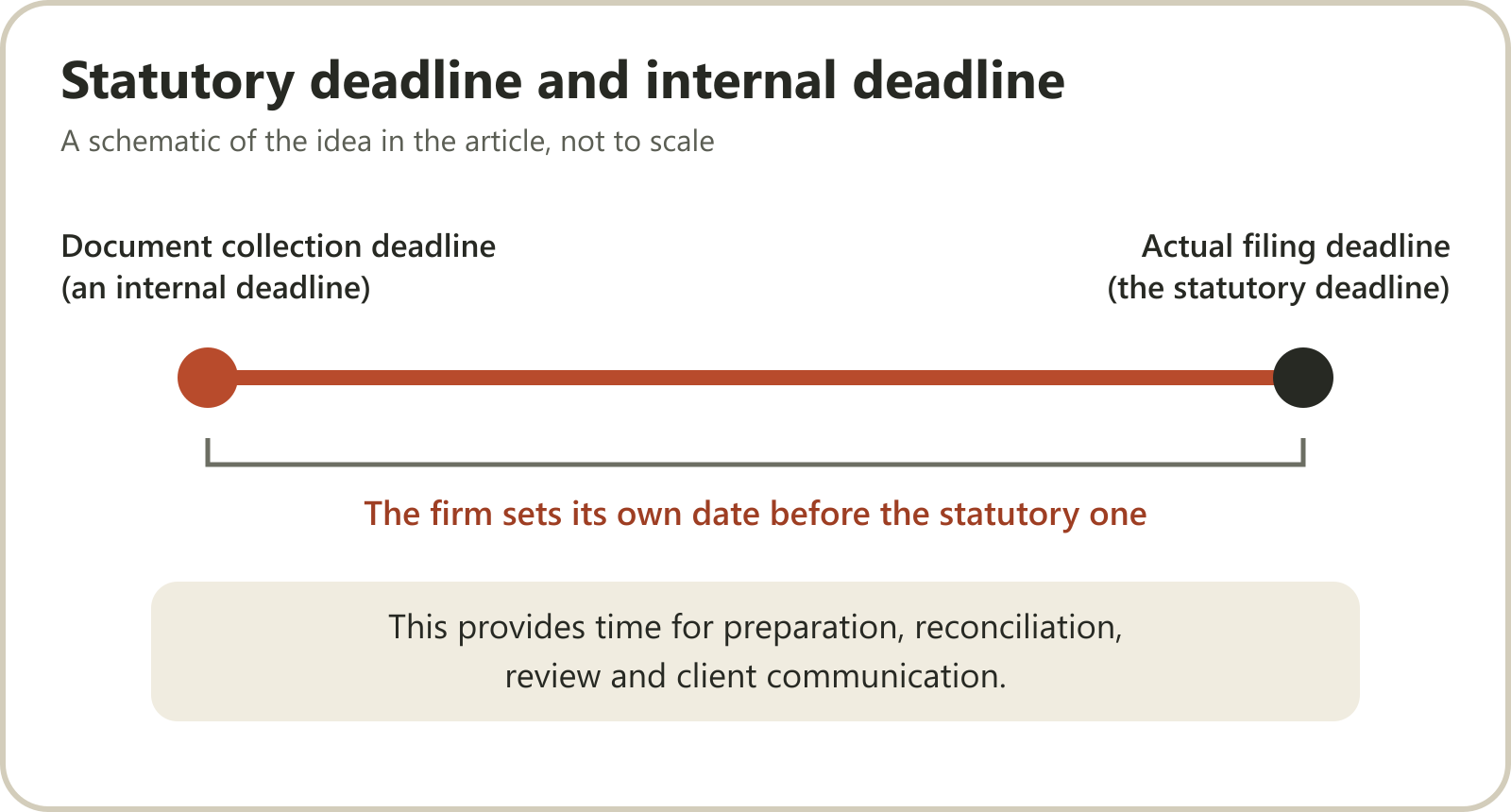
A statutory deadline is the legally applicable deadline.
An internal deadline is the date the firm sets to complete its work before the statutory deadline.
For example, a firm may set its document collection deadline several days before the actual filing deadline.
This provides time for preparation, reconciliation, review and client communication.
Do not use a fixed internal deadline for every client regardless of complexity.
A large company with multiple branches may require a longer preparation period than a small individual client.
Where should the compliance calendar come from?
Use authoritative sources to verify current deadlines:
GST Portal: https://www.gst.gov.in/
Income Tax Department: https://www.incometax.gov.in/
TRACES: https://www.tdscpc.gov.in/
Ministry of Corporate Affairs: https://www.mca.gov.in/
Government notifications, extensions and client-specific applicability can change deadlines.
The calendar should therefore be reviewed regularly rather than treated as a permanently fixed spreadsheet.
7. Use recurring task templates to eliminate repetitive work
This is one of the most valuable improvements a growing CA firm can make.
Suppose a firm has 120 clients subscribed to monthly accounting services.
Each client requires a similar set of activities.
Without templates, employees or managers must repeatedly create assignments, add deadlines and allocate work.
A recurring task template solves this problem.
Example: Monthly accounting template
Client: ABC Private Limited
Recurring activities:
Collect bank statements.
Collect sales and purchase information.
Record transactions.
Complete bank reconciliation.
Review outstanding entries.
Prepare monthly reports.
Complete internal review.
Share the agreed deliverables.
The template can be reused for other clients while allowing client-specific differences.
What should every recurring template contain?
Service name.
Checklist.
Task owners.
Reviewers.
Internal deadlines.
Dependencies.
Priority.
Completion conditions.
The goal is to create a standard operating procedure that can be repeated consistently.
8. Automate employee follow-ups using WhatsApp
Creating tasks is only one part of the problem.
Managers must also ensure that employees are progressing on those tasks.
This is where WhatsApp-based employee follow-ups can be useful.
Consider a manager responsible for 12 employees and 150 active assignments.
Manually checking every assignment is not practical.
A system should be able to remind employees about pending work and collect updates.
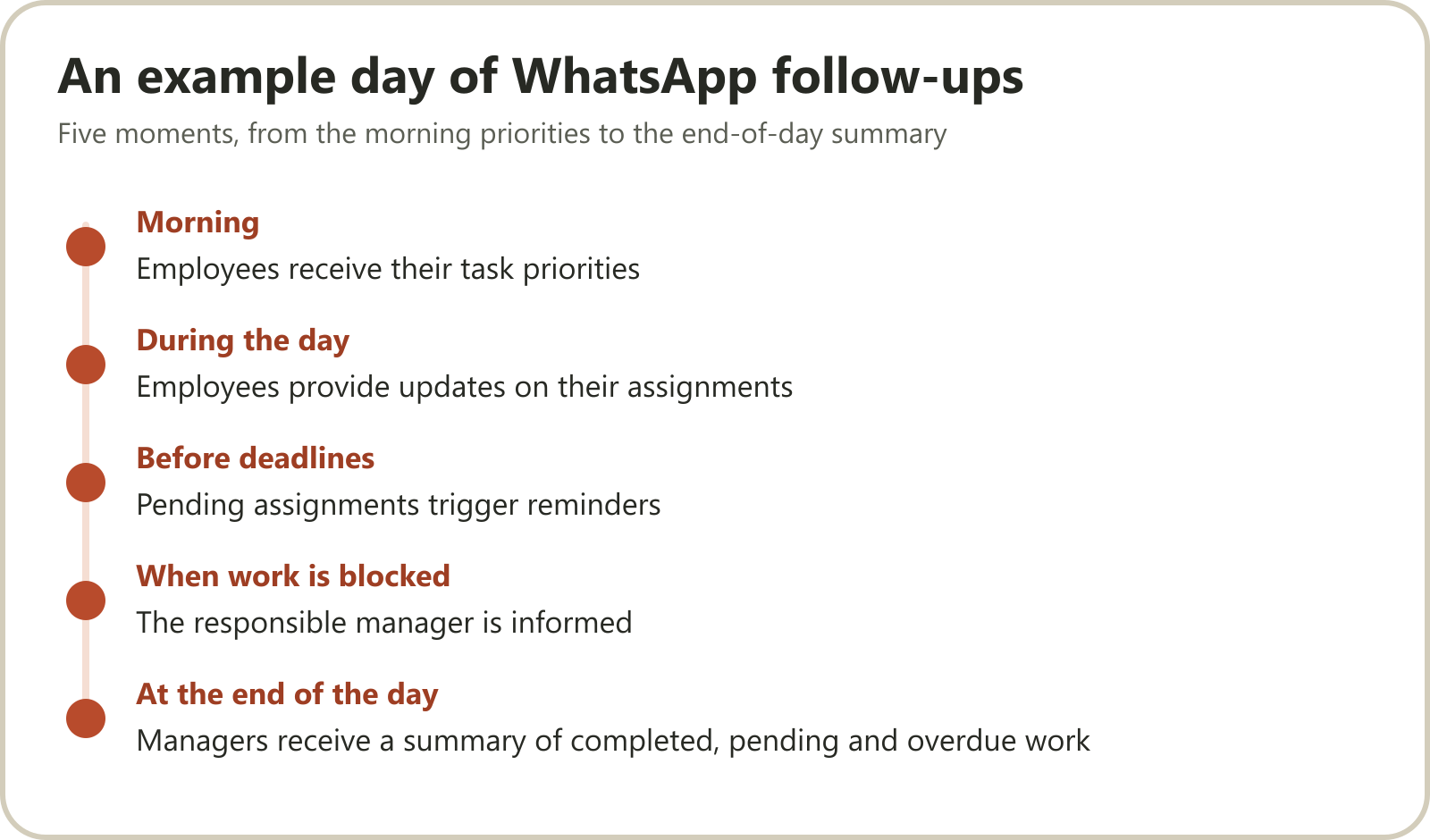
Example workflow
Morning: Employees receive their task priorities.
During the day: Employees provide updates on their assignments.
Before deadlines: Pending assignments trigger reminders.
When work is blocked: The responsible manager is informed.
At the end of the day: Managers receive a summary of completed, pending and overdue work.
This allows the team to communicate through a familiar channel while maintaining a structured record of progress.
The objective is to reduce unnecessary coordination without removing human supervision.
9. Build a central management dashboard
Partners should be able to understand the condition of the firm without asking every employee for updates.
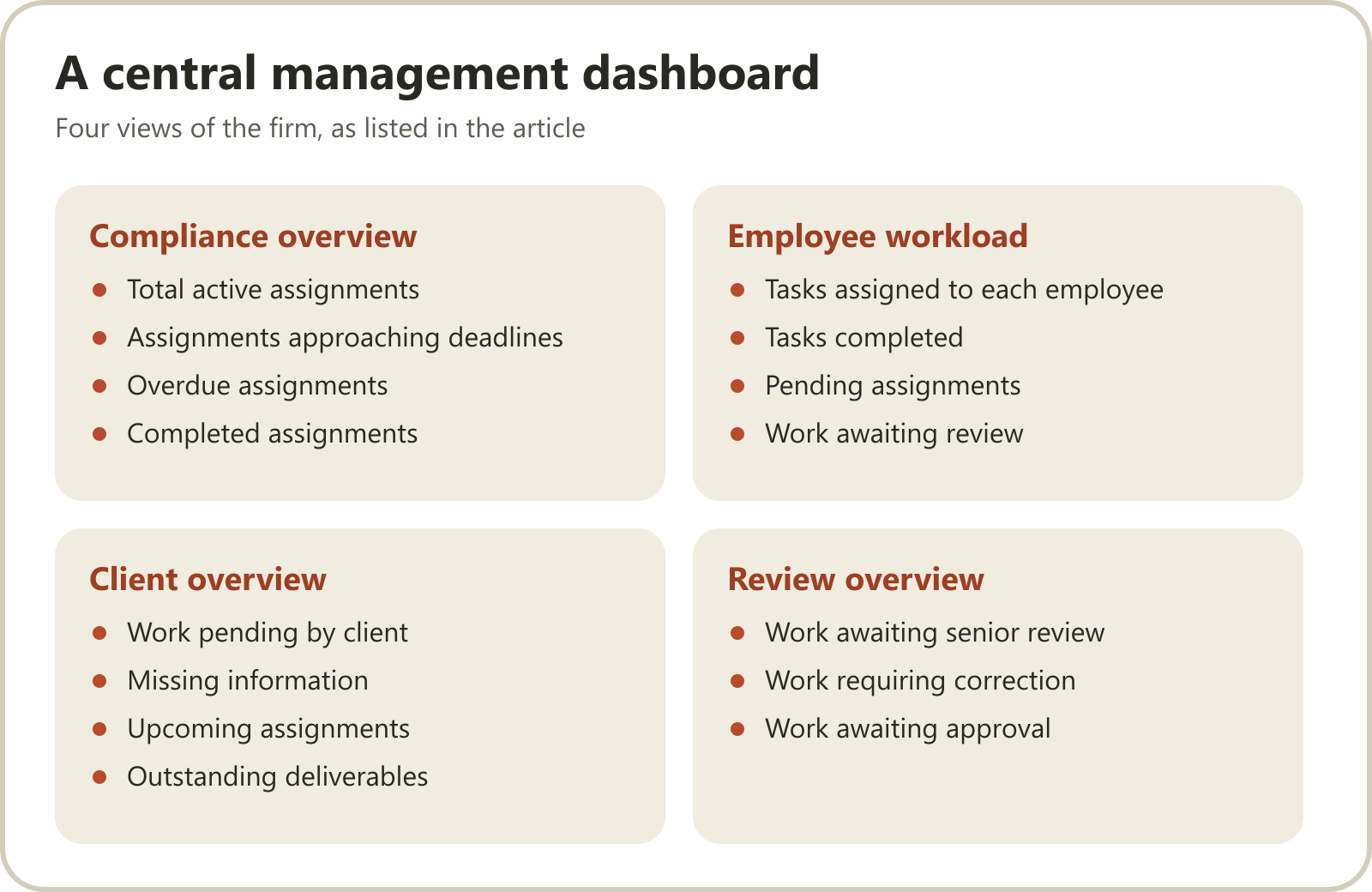
A useful dashboard should provide visibility into:
Compliance overview
Total active assignments.
Assignments approaching deadlines.
Overdue assignments.
Completed assignments.
Employee workload
Tasks assigned to each employee.
Tasks completed.
Pending assignments.
Work awaiting review.
Client overview
Work pending by client.
Missing information.
Upcoming assignments.
Outstanding deliverables.
Review overview
Work awaiting senior review.
Work requiring correction.
Work awaiting approval.
These views help management identify operational problems before they become deadline problems.
10. How to measure the effectiveness of workflow automation
Implementing software is not the final objective.
The firm should measure whether the new process is actually improving operations.
Consider tracking these KPIs:
| KPI | What it measures |
|---|---|
| On-time completion rate | Percentage of assignments completed by internal deadlines |
| Overdue assignment count | Work that has crossed its deadline |
| Average task turnaround | Time required to complete assignments |
| Client document waiting time | Delays caused by missing information |
| Review turnaround time | Time spent waiting for review |
| Rework rate | Assignments requiring correction |
| Follow-up frequency | Manual coordination required |
| Employee workload distribution | How evenly work is allocated |
Review these metrics weekly or monthly.
Avoid judging employees purely by the number of tasks they complete. The complexity and quality of assignments also matter.
11. Common mistakes when automating CA firm workflows
1. Automating a badly designed process
First standardise the workflow. Then automate it.
2. Using one checklist for every client
Different clients have different requirements. Allow customisation.
3. Confusing internal deadlines with statutory deadlines
Maintain both separately.
4. Skipping internal review
Automation should not bypass professional checks and approvals.
5. Giving employees too many notifications
Reminders should be relevant, timely and actionable.
6. Failing to assign clear ownership
Every assignment needs a responsible person.
7. Treating filing as the same as task completion
Maintain separate preparation, review, filing and post-filing statuses where relevant.
8. Failing to update workflows
Review templates when laws, procedures or the firm's service scope change.
12. How Karyai helps CA firms organise recurring compliance work
The biggest challenge in a growing CA firm is often not understanding what needs to be done.
It is ensuring that hundreds of recurring assignments are actually moving forward.
Karyai is an AI-powered practice management platform designed for Indian professional firms.
It connects employee tasks, recurring client projects, follow-ups and management visibility through WhatsApp and a web-based management interface.
Recurring GST, TDS and ITR projects
Create reusable templates for recurring compliance services.
The firm can define checklists, responsible employees and deadlines.
Recurring projects are then created for subscribed clients according to those templates.
AI-powered employee follow-ups
Karyai follows up with employees about pending work through WhatsApp.
Employee responses become structured task updates, helping managers understand which assignments are progressing and which are stuck.
Task ownership and deadline tracking
Each task can have a responsible person, client and deadline.
This makes it easier to understand who is handling each assignment.
Review and approval workflows
Tasks that require a second look can be routed through review steps.
Professional decisions and final approvals remain with the firm's authorised people.
Management summaries
Managers and partners can use role-aware summaries and management views to understand operational progress.
GST invoicing, work logs and attendance
Karyai also connects client work logs, GST invoicing, billing and attendance workflows with the broader practice management system.
An important distinction: Karyai organises recurring compliance work. It does not calculate tax, prepare statutory returns or file GST, TDS, ITR or ROC returns on behalf of the firm. Those activities remain within the firm's existing professional processes.
Explore Karyai's compliance management solution for CA firms.
You can also explore all Karyai features.
Bring one recurring GST, TDS or ITR workflow to a complimentary 20-minute workflow demonstration and see how it could be organised using your firm's own checklist.
Frequently Asked Questions
1. How can CA firms automate GST compliance work?
CA firms can automate the internal workflow by creating recurring client assignments, standardising checklists, assigning employees, setting internal deadlines and introducing reminders. Preparation, reconciliation, review and filing should remain clearly defined stages.
2. What is compliance management software for CA firms?
Compliance management software helps CA firms organise recurring assignments, client responsibilities, deadlines, checklists and progress. Some platforms also provide tax preparation and filing capabilities, while others focus primarily on operational workflow management.
3. How can a CA firm manage multiple GST clients?
Maintain a client master with applicable filing requirements, assigned employees, recurring task templates and internal deadlines. Use a central dashboard to track documents, preparation, review and filing status.
4. Can GST and TDS tasks be automated through WhatsApp?
WhatsApp can be used for employee task communication, progress updates and reminders when supported by suitable software. The actual tax preparation and filing process requires the firm's existing authorised systems and professional oversight.
5. How do recurring compliance tasks work?
A recurring task template defines the activities, responsible employees, deadlines and review stages for a particular service. The system creates new assignments for the relevant clients and periods using the configured template.
6. How can CA firms avoid missing compliance deadlines?
Maintain a central calendar, distinguish statutory and internal deadlines, assign an owner to every assignment, introduce reminders and regularly review overdue work.
7. Does Karyai file GST, TDS and ITR returns?
No. Karyai organises recurring compliance work through checklists, tasks, owners, deadlines and employee follow-ups. Your CA firm handles the actual preparation, professional review and filing.
8. What is the best way to start automating a CA firm?
Start with one frequently performed service, such as monthly GST work. Standardise the checklist, assign ownership, establish internal deadlines and implement reminders. Once the process works consistently, extend it to TDS, ITR and other services.
Conclusion
Managing GST, TDS and ITR work across hundreds of clients does not have to depend on spreadsheets, memory and constant employee follow-ups.
A structured compliance workflow gives every assignment a clear owner, every activity a defined process and every deadline a place in the firm's management system.
Start with recurring templates, standardise your internal deadlines and introduce automation where it genuinely reduces coordination.
The goal is not to remove people from the compliance process.
It is to allow qualified professionals to spend more time on preparation, review and client service, and less time chasing routine updates.
Build a CA firm where compliance work moves through systems, not through constant reminders from partners.